Stop sending the same travel update to everyone individually
You arrive somewhere incredible. You want to share it. So you message your mum. Then your dad. Then your best friend. Then your grandparents. Then that aunt who always asks where you are. By the time you have sent the same photo and the same message to a dozen different people, you have spent twenty minutes on your phone instead of experiencing the place you just arrived. There is a better way.
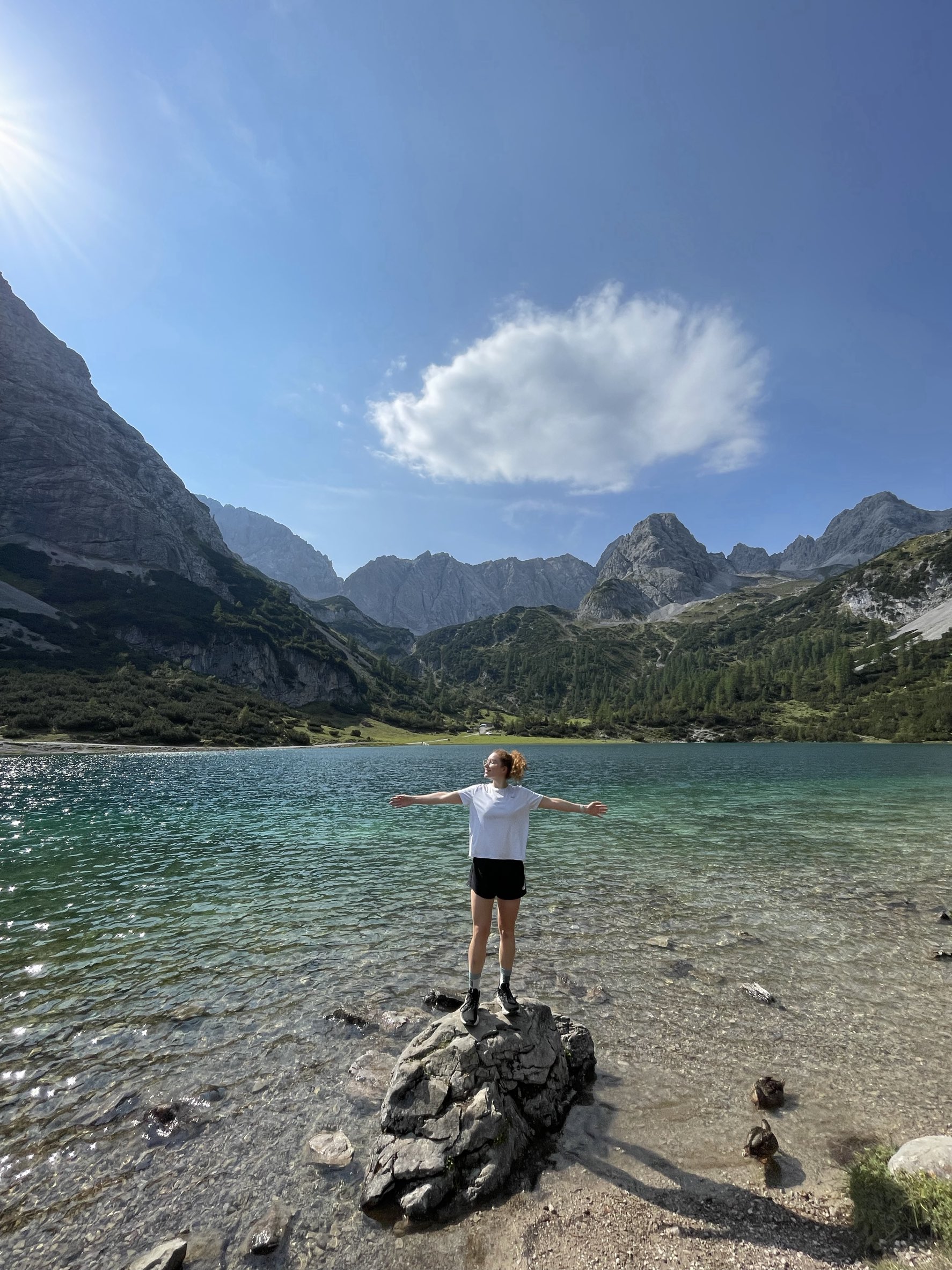
A shared travel link everyone can bookmark
The simplest solution: one link that shows your current location, your full route, and all your photos — and that anyone can check whenever they want without you having to send them anything. Digicrumbs gives you a personalised URL that works exactly like this. Your family bookmark it once, and whenever they want to check where you are, they just open it. No messages needed.
Why group chats don't work for travel updates
Group chats have two problems for travel sharing. First, not everyone in your family is in the same group chat. Second, messages get buried — your mum sees your update immediately, your aunt checks her phone three days later and has to scroll back through forty other messages to find it. A dedicated travel link solves both problems: it is always there, always up to date, and anyone can access it at any time.
No app download required for your followers
The biggest barrier to most travel sharing apps is that your followers need to download an app and create an account before they can see anything. For younger friends this is fine. For grandparents, or anyone who is not particularly tech-savvy, it is often a barrier they simply will not clear. Digicrumbs works in any browser — your followers just click the link. That's it.
Photos organised by location, not just a camera roll dump
When you add photos in Digicrumbs, they attach to specific locations on the map. So when your family opens your link, they do not just see a stream of photos — they see photos in context, connected to the place where you took them. It makes your journey much easier to follow than a chronological camera roll.
Ready to track your travels?
Share a live map with friends and family — no app download required for viewers.